

Problem
Recently, we have built a few WordPress websites for photographers. A major part of such a website is having various images/albums displayed in pages/posts. WordPress natively provides with option to add images or create galleries in posts/pages. But some photographers prefer to have lots of images, 100-200 images per post, related to the event. This drastically increases load time & ?and also eats up server space. CDN might look good in such a case, but the client didn’t want to go the CDN route.
Solution
We discovered that most of them already had all the photos uploaded & organized to their Google+ account. So now it makes sense to pull images & albums right from Google+ Photos. This would help in avoiding extra work, need to upload the album to the server, save server space & use Google server for delivering images, hence solving the problem without CDN. After digging through the WordPress plugin repo, we found the perfect resource we have been looking “Photo Express for Google“.
Some of the highlights of Photo Express for Google :
- Use a Google account?to access your photos and albums
- Private album access?via auth
- Select albums/images from the GUI listing by album cover and name
- Google+ style phototile gallery display or standard gallery utilizing native WordPress image thumbnail size
- Create a gallery of a subset of photos from an album by filtering the album with tags
- Gallery and image shortcodes for the display of the entire album or selected images
- Displaying images in a lightbox
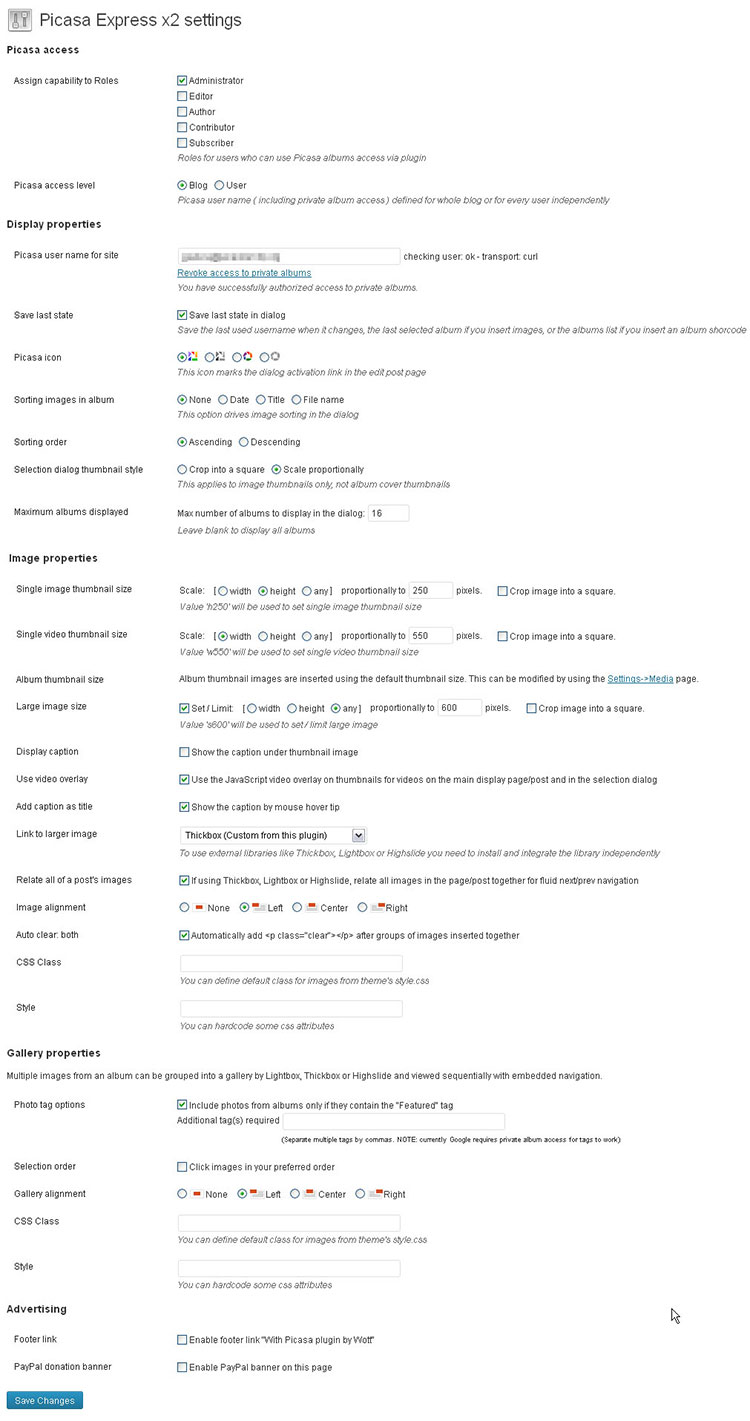
- Control thumbnail size and alignment
Screenshots
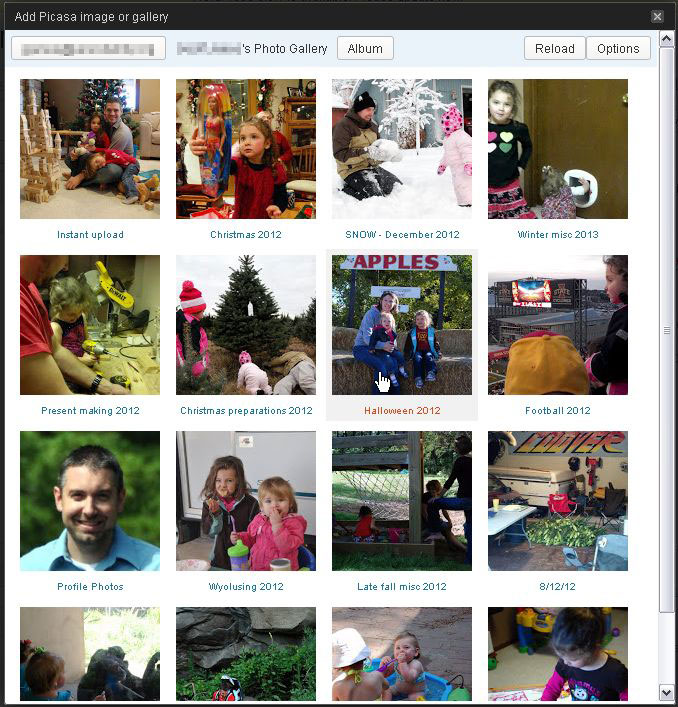
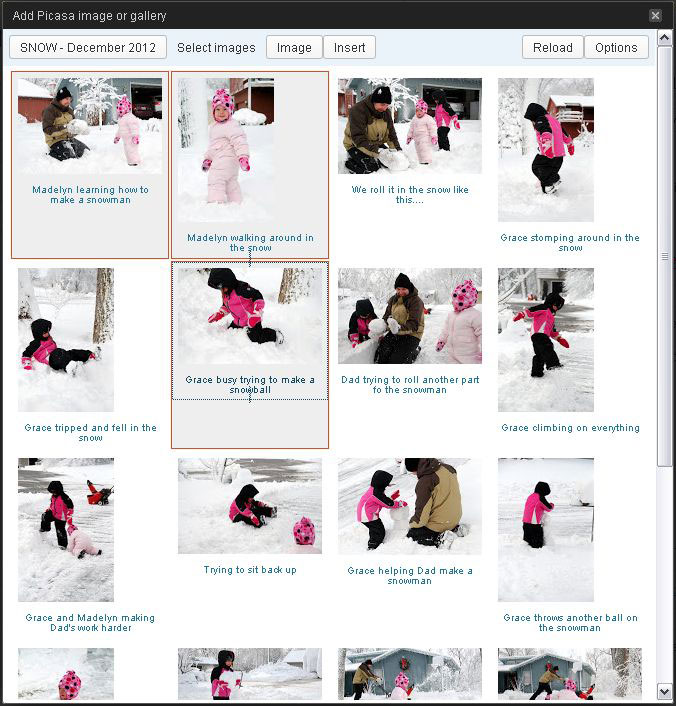

Settings screen
If you need any further help on this topic, comment below and we are happy to help as quick as possible 🙂

Leave a Reply