

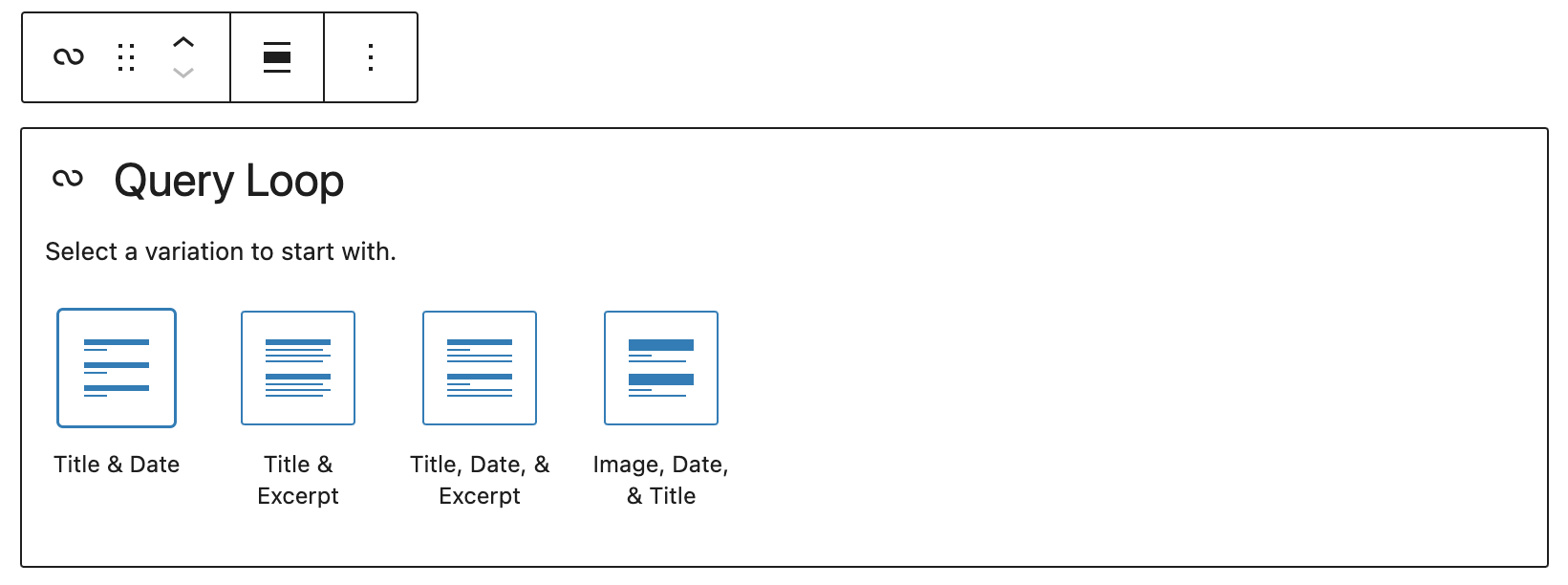
We’ve been early adopters of the Block Editor and have enjoyed exploring its potential. Recently, we’ve focused on extending the Query Loop block as part of our move toward more dynamic, block-based solutions.
Currently, we’re working on an exciting client project, helping them make the switch from a hybrid theme to a block-based theme. Their website relies on custom queries to feature content on the homepage, including popular posts. We want to give a shoutout to the query loop and post template block for making this possible.
We’ll walk you through how we extended the WordPress Query Loop block to create a custom block variation called “most-popular.” This variation lets you showcase the most popular posts based on specific custom metrics, seamlessly integrating with an external system.
The Challenge: No Native Support for “Most Popular” Posts
WordPress?s Query Loop block is a powerful tool for displaying posts based on various query parameters like categories, tags, and dates. However, it doesn’t natively support displaying posts based on popularity. We needed a solution where the most popular posts, determined by an external system could be dynamically displayed.
The goal was to use the core query loop block:
To achieve this we need to:
- Integrates with the client?s API to fetch popular posts.
- Query posts based on posts received from API.
- Use post template for block layout
- Maintain compatibility with other Query Loop blocks without conflicts.
The query loop allows us to achieve this, we can extend the query loop block.
The Solution: Custom Query Loop Variation with API Integration
To meet these requirements, we implemented a custom block variation of the Query Loop block, named most-popular. Here?s how we did it:
1. Registering the Custom Block Variation
We started by registering a block variation of the core Query Loop block. This variation was tailored to show the most popular posts, as defined by client custom metrics.
wp.blocks.registerBlockVariation('core/query', { name: 'most-popular', title: 'Most Popular', description: 'A block variation that shows the most popular posts.', isActive: ({ namespace, query }) => { return ( namespace === 'most-popular' ); }, attributes: { namespace: 'most-popular', query: { orderBy: 'date', postType: 'post', popularity: true, }, }, innerBlocks: [ [ 'core/post-template', {}, [['core/post-title'], ['core/post-excerpt']], ], ['core/query-pagination'], ['core/query-no-results'], ], allowedControls: [], // This hides all controls isDefault: false,});
This code snippet registers the block variation. The namespace and query attributes are critical because they allow us to distinguish this block from other Query Loop blocks and to flag it for custom handling.
2. Fetching Popular Posts via Custom REST API
The client uses a custom REST API that stores the post IDs and their respective view counts. To fetch this data, we wrote a function that integrates with their API and retrieves the most popular post IDs.
function get_popular_posts_ids(){ $response = wp_remote_get(API_URL); if (is_wp_error($response)) { return false; } $body = wp_remote_retrieve_body($response); $popular_posts = json_decode($body, true); if (empty($popular_posts) || !isset($popular_posts['posts'])) { return false; } return wp_list_pluck($popular_posts['posts'], 'postid');}
This function queries the client API and returns an array of post IDs for the most popular posts.
3. Modifying the Query Parameters for the Block
To ensure that the block displays the correct posts, we needed to filter the query parameters used by the Query Loop block. We added a custom query parameter popularity to the block checks. If the parameter is present, it modifies the query to fetch only the most popular posts.
function filter_rest_post_query_for_popularity($args, $request){ if ($request->get_param('popularity')) { $popular_ids = get_popular_posts_ids(); if ($popular_ids) { $args['post__in'] = $popular_ids; $args['orderby'] = 'post__in'; // Maintain the order of the popular IDs } } return $args;}add_filter('rest_post_query', 'filter_rest_post_query_for_popularity', 10, 2);
And, for the frontend, we implemented a similar filter:
function filter_most_popular_query_vars($query, $block){ if (isset($block->context['query']['popularity']) && $block->context['query']['popularity']) { $popular_ids = get_popular_posts_ids(); if ($popular_ids) { $query['post__in'] = $popular_ids; $query['orderby'] = 'post__in'; // Maintain the order of the popular IDs } } return $query;}add_filter('query_loop_block_query_vars', 'filter_most_popular_query_vars', 10, 2);
These filters intercept the query before execution and inject the necessary parameters to fetch the correct posts.
In conclusion, extending the Query Loop block through custom variations lets developers unlock WordPress’s full potential for building dynamic, tailored web solutions.
👋 Need help building block-based solutions catering to your needs? Let’s talk.

