

Frappe has become a growing part of our internal stack and client work. We believe in using the right tool for the job, whether that’s WordPress, Laravel, or Frappe. Each ecosystem solves different problems well, and Frappe’s batteries-included approach has increasingly made sense for the kind of business applications we work on.
But one issue kept coming up whenever someone new on the team wanted to explore Frappe: getting started was harder than it should be.
The Problem
Frappe is powerful, but setting up a local environment can feel intimidating when all you want to do is explore the framework, build a custom app, test an idea, contribute, or simply learn how things work.
Most local setups involve either installing and managing dependencies directly on your system or using Docker for better isolation. Both work well, especially for experienced developers comfortable with containers, terminals, and Linux tooling.
For beginners, or developers coming from ecosystems like WordPress or Laravel, there is still a fair amount of friction before they can start exploring Frappe.
A Better Local Development Experience
The WordPress and Laravel ecosystems have made local development significantly more approachable with tools like WordPress Studio and Laravel Herd.
You install an app, create a project, and start working. The environment is largely self-contained, configuration is minimal, and a GUI handles many of the things you would otherwise manage manually.
You spend less time wrestling with your setup and more time building.
Frappe already has a great cloud experience. We started wondering if it could use a local sibling too. Something you install, spin up a site, and start exploring.
That thought eventually became Frappe Local.
Building Frappe Local
Our goal was simple: a self-contained, GUI-first environment that keeps projects isolated without polluting the host system with dependencies.
Most importantly, someone with little or no Frappe experience should be able to install the app and start exploring within minutes.
The idea became: what if we bundled everything needed into a single desktop app?
Frappe Local brings together Podman as the container runtime, Compose tooling, lightweight VM support where required, Caddy for local routing and SSL, and a GUI for creating and managing Frappe sites.
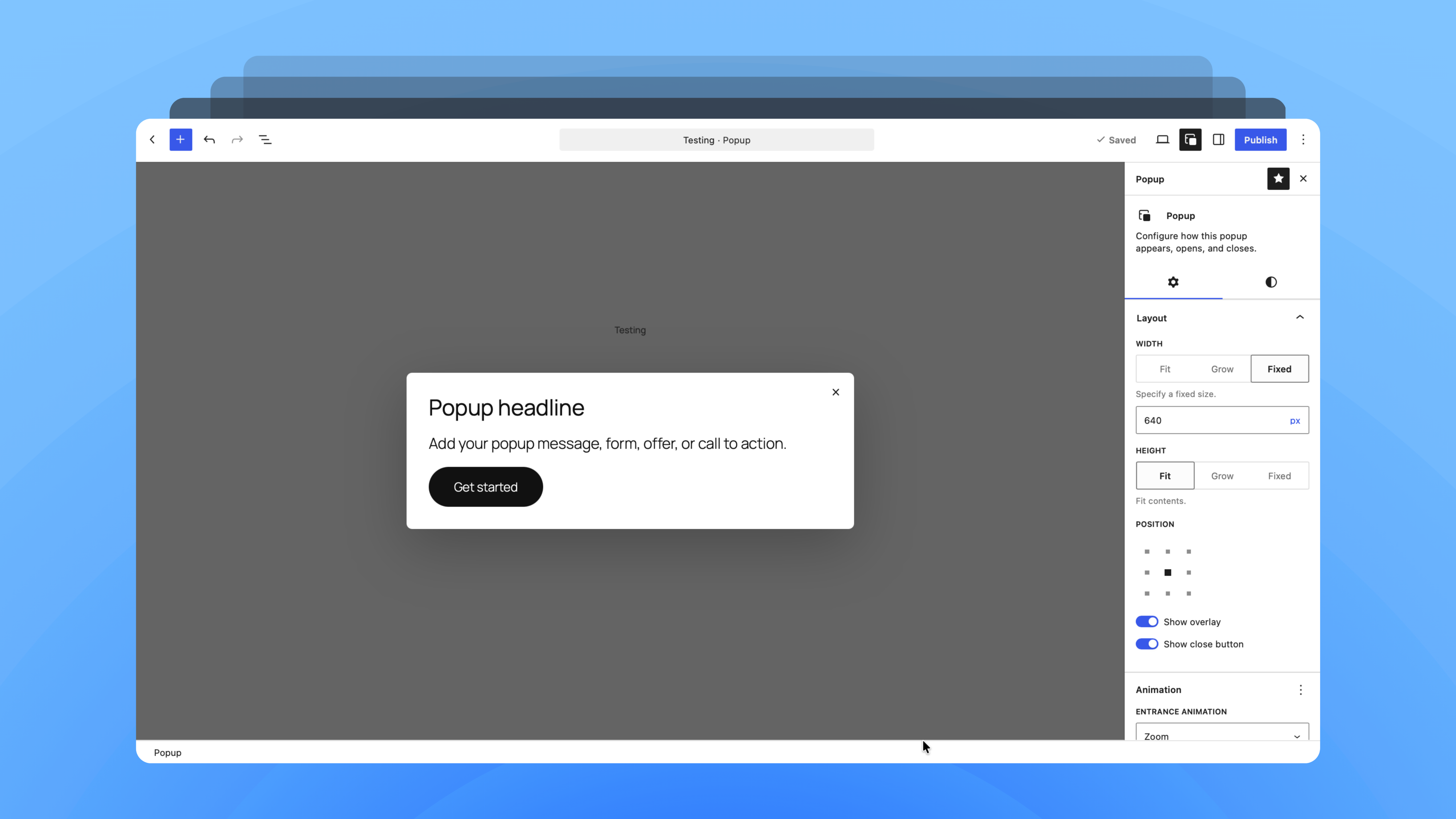
A short walkthrough showing Frappe Local installation, creating a bench, creating a site, and opening the local Frappe site.
Why Containers Still Made Sense
Isolation mattered from the beginning. Developers constantly switch between projects, frameworks, databases, Node versions, and different tooling stacks. Keeping the Frappe environment contained avoids conflicts and makes projects easier to reproduce.
Containers were the right foundation. The problem was the experience around them.
We didn’t want users installing Docker, configuring Compose, managing networking and ports, setting up SSL, and running a collection of terminal commands before creating their first site.
The container layer needed to stay underneath the experience rather than becoming the experience itself.
Putting the Pieces Together
We chose Electron because it gave us a practical way to build a cross-platform desktop app, bundle the binaries we needed, reuse web technologies, and use Frappe UI for the interface.
Instead of depending on an existing Docker installation, Frappe Local bundles Podman and Compose tooling. On non-Linux systems, a lightweight virtual machine provides the environment needed to run containers.
Caddy handles local routing and SSL, giving sites clean local URLs without asking users to manually manage ports or certificates.
Together, these pieces give us what we were looking for: containers underneath, a simple interface on top, and as little host-system setup as possible.
Where We Are Today
Frappe Local is currently in beta. macOS support is already in pretty good shape after regular internal usage and testing, though there are still a few rough edges to smooth out.
Windows support is currently underway, with Linux coming next. As we expand across platforms and more people start using it, we expect the experience to keep evolving based on real-world feedback.
Building It in the Open
Frappe Local is completely free and open source. We built it to solve our own local development friction, and sharing it means others can use it, suggest better ideas, and contribute back.
Try it, break it, share feedback, open an issue, or send a pull request. If you’d like to support ongoing development, we also have GitHub Sponsors enabled.
There is still a lot to build, but the goal remains the same: make it easier for more people to pick up Frappe and start building.
Tools we need. Tools we build.
Need Something Built on Frappe?
We build ERPNext customisations, Frappe apps, and internal business tools – and we liked Frappe enough to build our own local dev tool for it. Tell us what you’re trying to solve and where you want to go next – we’ll help you find the sensible next step.