
Run Frappe & ERPNext Entirely in Your Browser. No Server Required.
Experience the full power of the Frappe Framework instantly. Powered by WebAssembly and Pyodide, Frappe Playground runs offline, securely sandboxed, and directly on your machine.
Quick Actions
Automate Sandbox Creation
Share a simple URL link to instantly boot a pre-configured instance for a client or teammate
Install Apps Instantly
Browse the integrated catalog to test drive ERPNext or CRM without touching a single line of code.
Isolate Multiple Projects
Switch seamlessly between distinct projects using the multi-instance dock to prevent data collision.
Persist Your Progress
Safely close your browser knowing your SQLite database and files are saved securely via IndexedDB.
Key Features

Instant Boot, Zero Configuration
Skip complex setups and Redis configurations by booting a fully functional Frappe instance directly in your browser tab instantly.
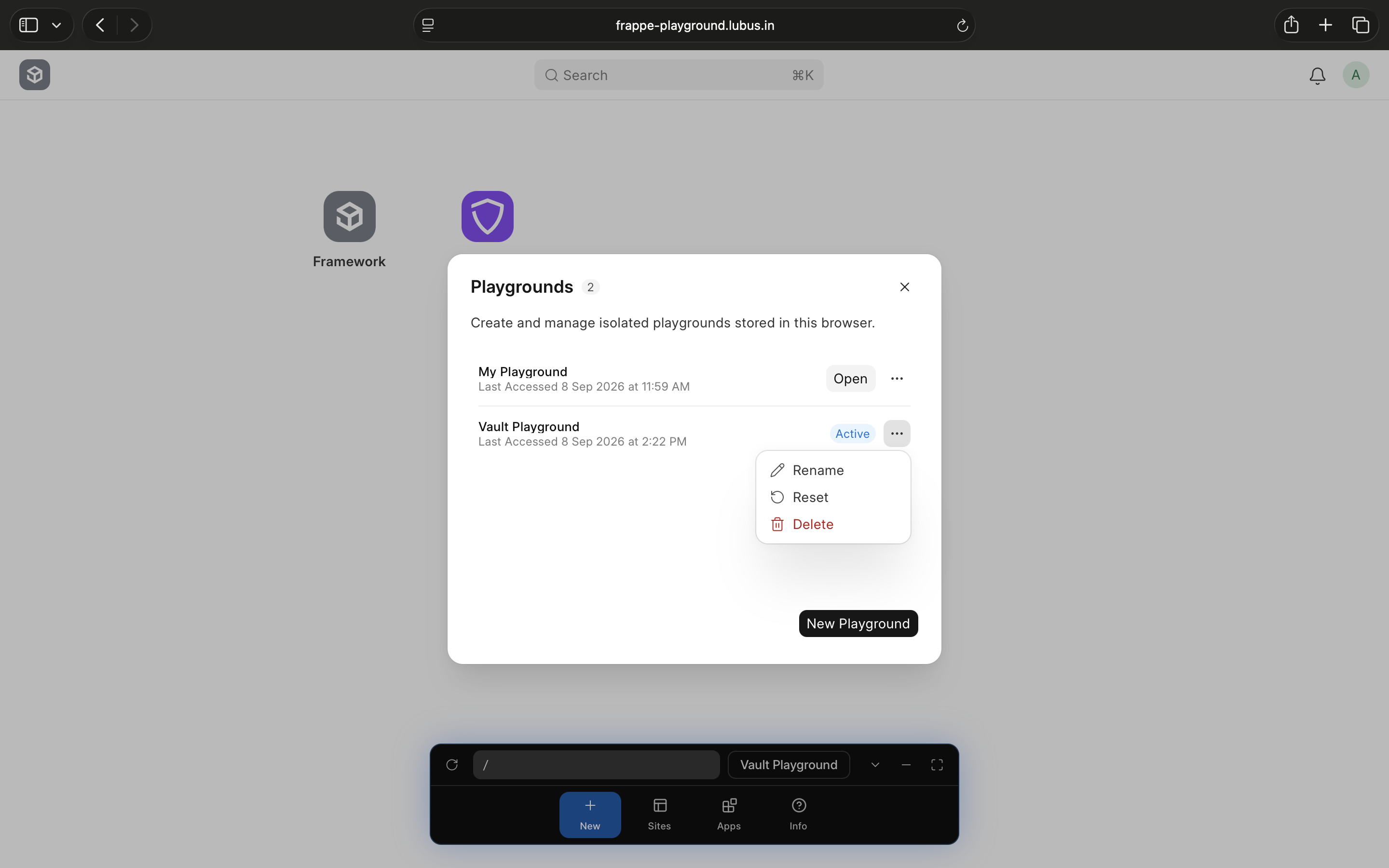
Multi-Instance Management
Create, rename, and manage multiple independent Frappe sites from a unified dock. Switch between projects seamlessly without ever opening a terminal.

Curated App Ecosystem
Install popular community apps like ERPNext, CRM, Wiki, and Frappe Vault directly from the built-in app catalog with a single click.
Persistent Local Storage
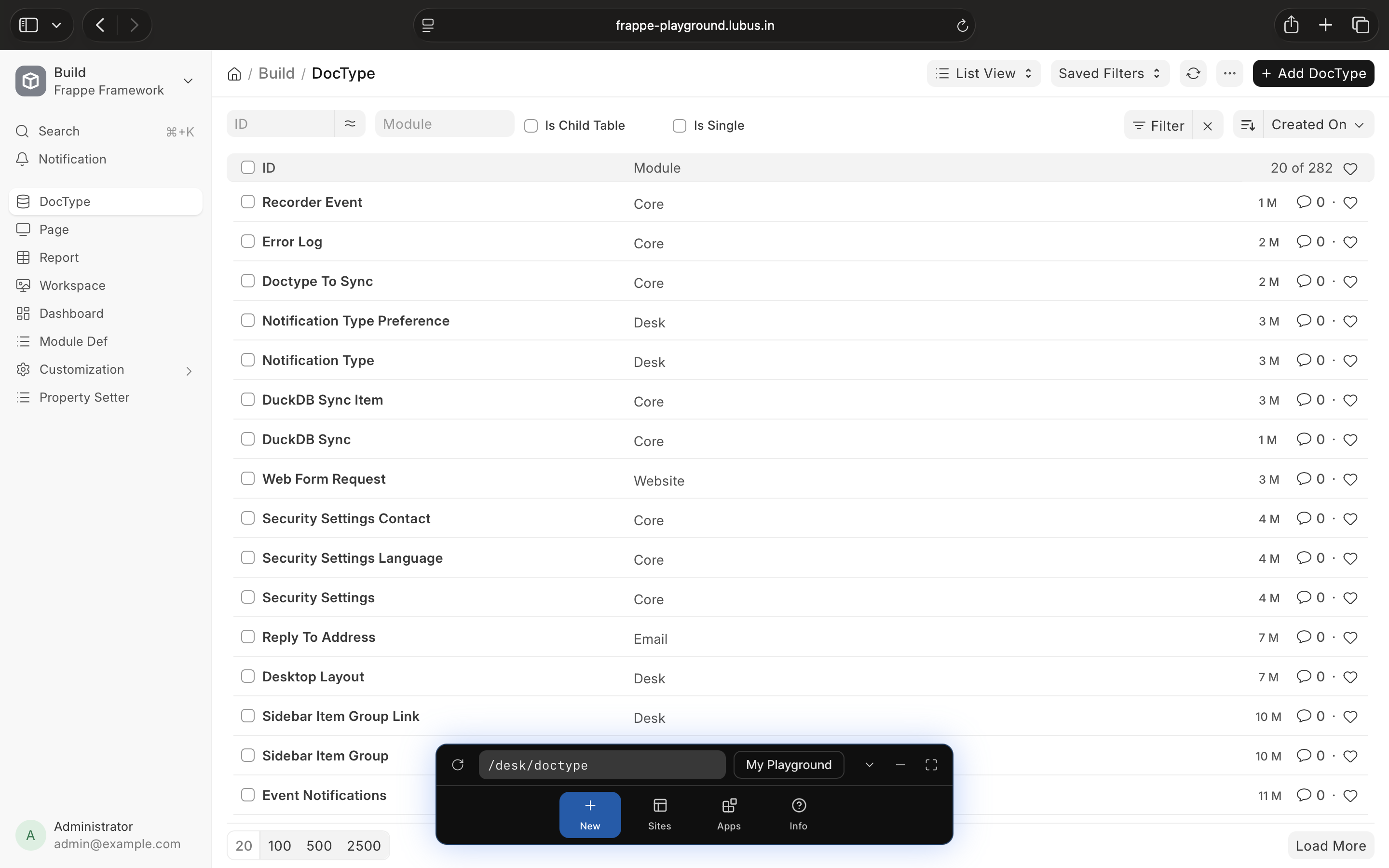
Your data belongs to you. SQLite databases, cookies, and uploaded files are securely persisted across reloads using your browser’s IndexedDB.
URL Boot Flags & Automation
Automate setups using simple URL parameters to automatically log in, bypass the setup wizard, or pre-install specific apps via links.
Built in the open
Frappe Playground is 100% open source under the MIT license free on unlimited sites, full source on GitHub. Found a bug or want a feature? Open an issue. Want to contribute? Pull requests are welcome.
Questions Before You Start?
Yes, it is completely open-source and licensed under the MIT License.
Absolutely. Because there is no external server processing your data, everything stays entirely on your local machine.
We use Pyodide, a port of CPython to WebAssembly, running inside a dedicated Web Worker to act as the backend WSGI server.
You can create as many isolated playgrounds as your browser’s storage capacity allows. Each runs independently.
Frappe Cloud is a fully managed hosting service running real Linux servers and MariaDB databases. Frappe Playground is a local, lightweight sandbox for testing and learning.
Since the data is stored locally in your browser, you cannot share your live data state. However, you can share URL boot flags (e.g., ?apps=erpnext) to let others instantly generate the same starting environment.
You need a modern browser that supports WebAssembly and ES Module Workers. We recommend Chrome/Edge (v80+), Safari/iOS (v15+), or Firefox (v114+).
All your site data, including the SQLite database, cookies, and uploaded files, are securely stored locally in your browser’s IndexedDB.
Because data is stored in IndexedDB, clearing your browser’s site data or cache will permanently delete your saved playgrounds.
Yes. Once the initial assets are downloaded and cached by the Service Worker, you can boot and use your playgrounds completely offline.
Yes! You can install curated apps directly from our app catalog inside the Playground. Supported apps currently include ERPNext, CRM, Wiki, and Frappe Vault.
Yes, file uploads work normally. Both public and private files are saved in your local IndexedDB instance.